CONNECT CLAUDE
SIGN INAbout 2 minutes · Free iPhone app
Claude plans your lifting. Tally logs every set.
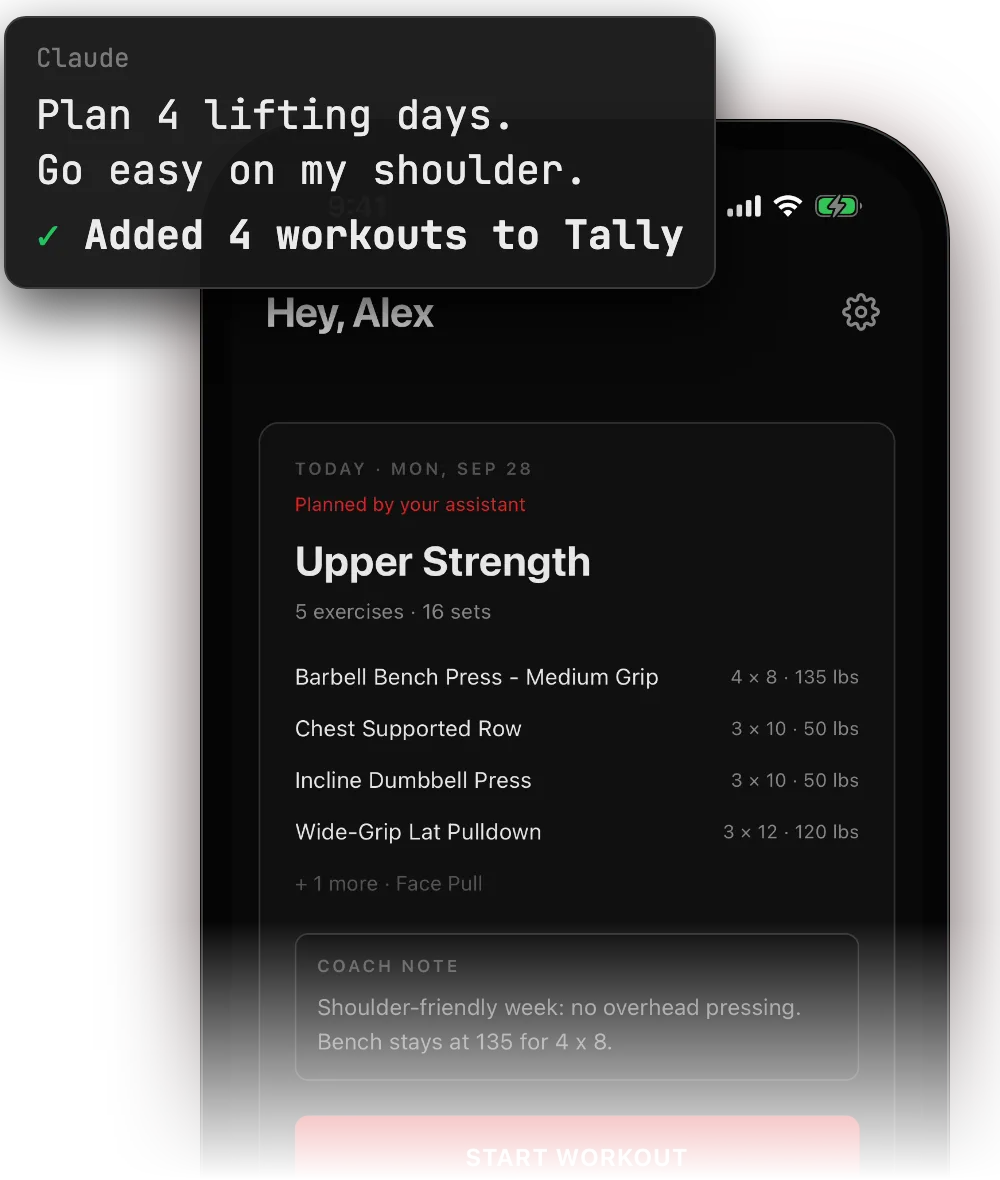
Claude reads your training history and writes planned workouts to the Tally app. It can also log, change or delete finished workouts when you ask. You can undo each change for 7 days.
- 01
Get Tally on your iPhone
Install the app and sign in.
Download on the App Store Scan with your iPhone camera to open Tally on the App Store.
 - 02
Open Tally Workout in Claude's directory
Tally Workout is listed in Claude's connector directory. Sign in to Claude if it asks.
Open Tally Workout in Claude - 03
Click Connect to Claude
It works in a desktop or phone browser. Once connected, Tally works in Claude's mobile and desktop apps too.
- 04
Sign in with your Tally account
Claude opens Tally's sign-in page. Use the same sign-in as in the Tally app.
- 05
Ask for your week
Plan my next week of training and add it to Tally.
A free Claude account is enough.
What Claude can do
- Read your training history, progress and planned days
- Plan, change, move or skip planned days
- Log, change or delete finished workouts when you ask. You can undo each change for 7 days.
If something goes wrong
- The agent sees no workouts.
- Sign in with the same method you use in the Tally app. Apple, Google and email sign-ins are separate accounts.
- When does the sign-in appear?
- When you click Connect to Claude on the Tally Workout listing.
- Steps not working?
- Email support@tallyworkout.app.